Shop all TRENDnet
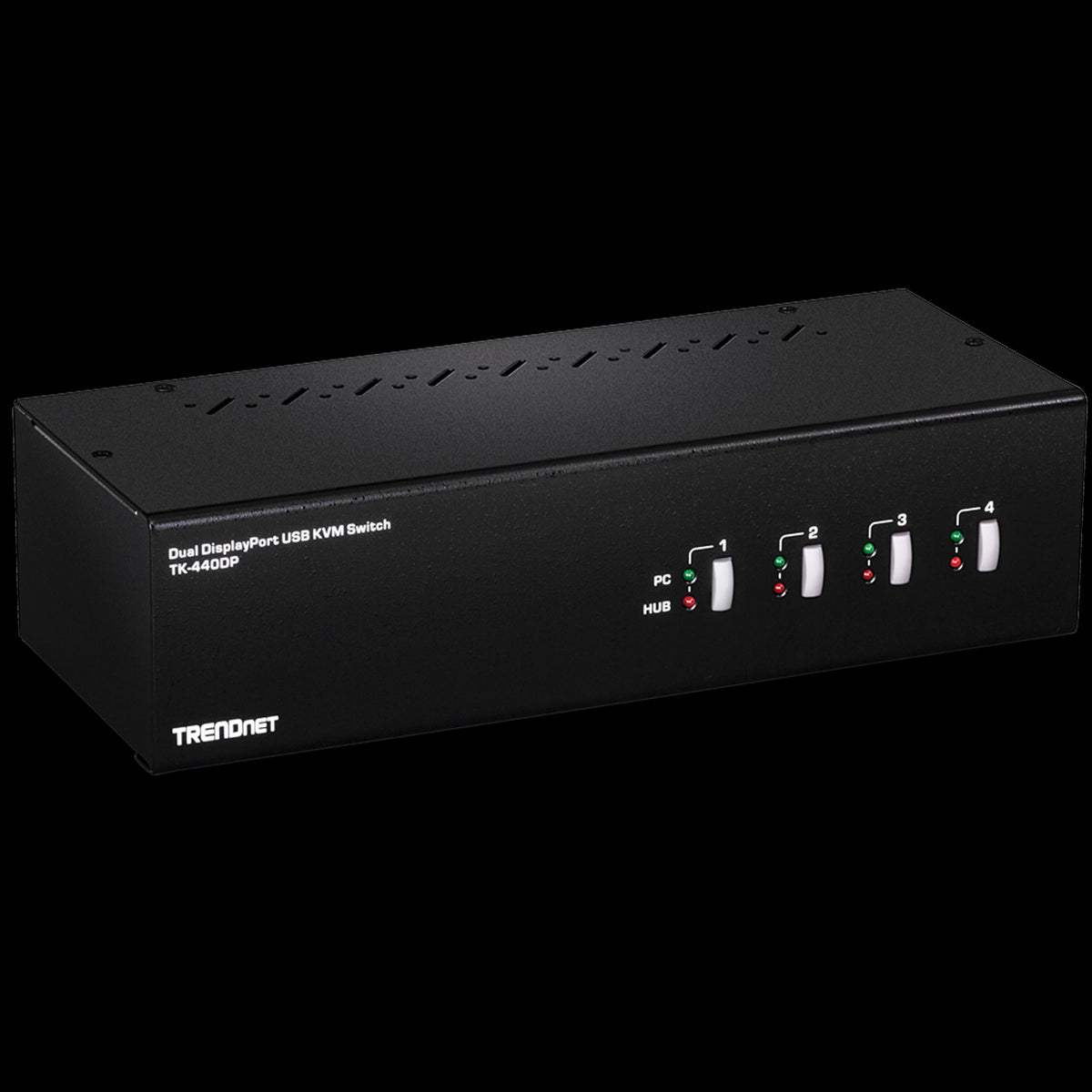
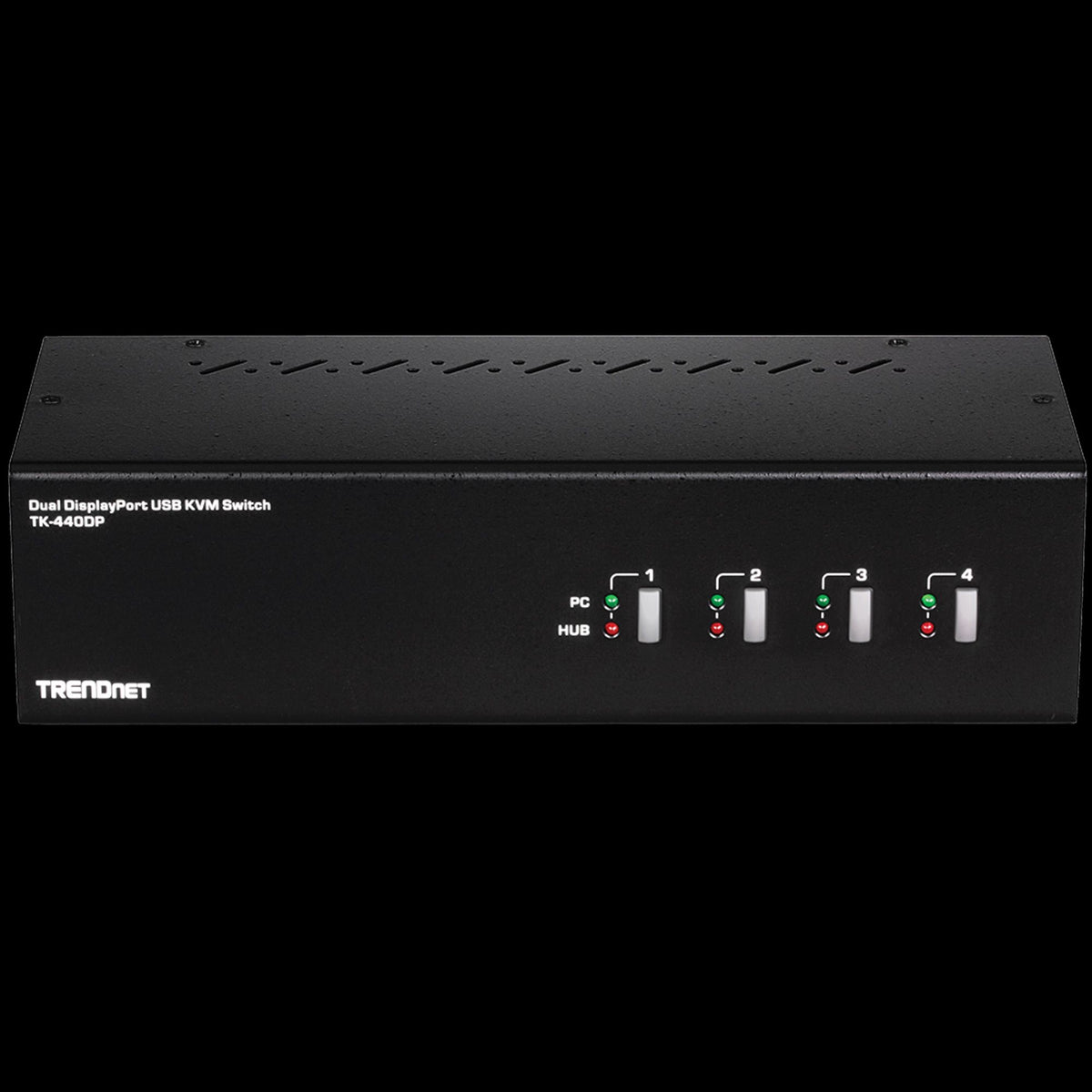
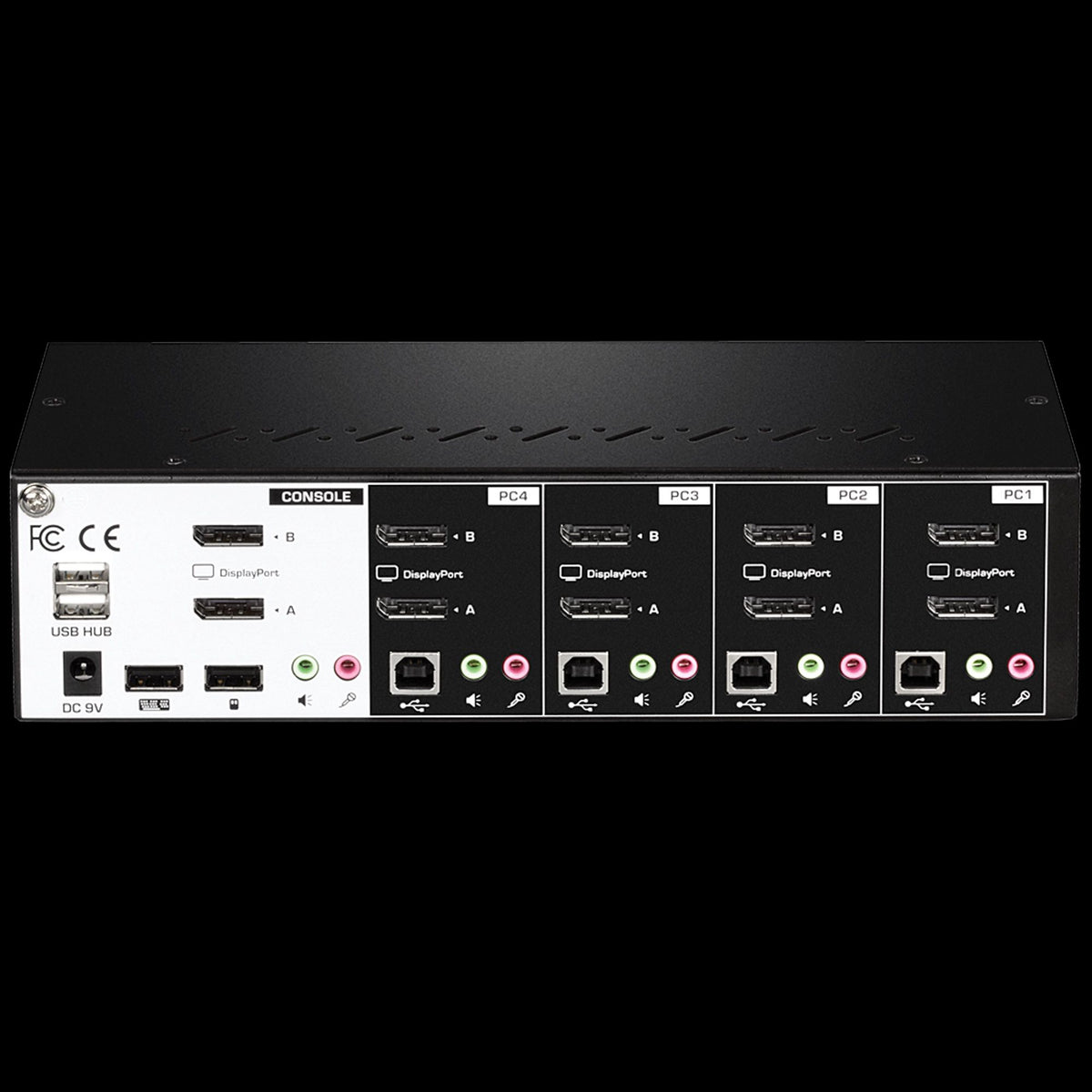
TRENDnet TK-440DP 4-Port Dual Monitor DisplayPort 1.2 KVM Switch, 3.5mm Speaker and Microphone Connection
SKU: TK-440DPBrand: TRENDnet


| Available to order | Qty | Delivery |
|---|---|---|
| Pre-order | 0 | Lead time 2 to 6 weeks |
TRENDnet TK-440DP 4-Port Dual Monitor DisplayPort 1.2 KVM Switch, 3.5mm Speaker and Microphone Connection
£358.40
Genuine stockBrand new, boxed
1 year warrantyPlus statutory rights
Secure checkoutEncrypted payments
Trade accounts30 day credit
Key featuresFull details
- Dual Monitor DisplayPort 1.2 KVM
- Supports 4K UHD resolutions up to 3840 x 2160 at 60Hz
- 2-Port USB 2.0 hub for storage devices and printers
- 3.5mm Speaker and microphone connections
- True Transparent USB (TTU) emulation technology
- Hot Key command shortcuts
Frequently bought together
TRENDnet
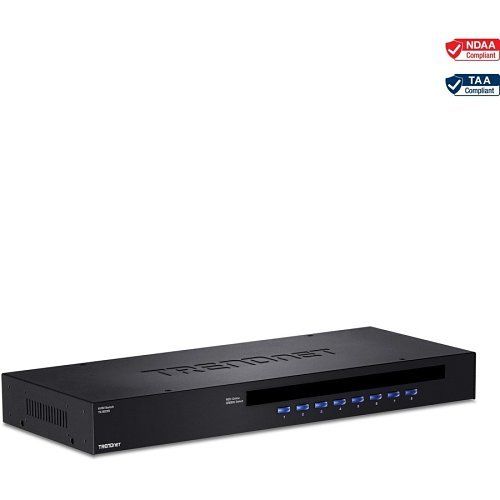
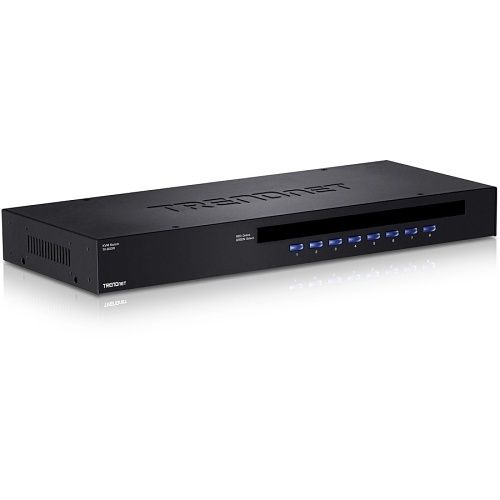
TRENDnet TK-803R 8-Port Rackmount KVM Switch
Sale price£144.85
Pre-Order (Not in Stock)
- Estimated Lead Time: 2-6 Weeks.
TRENDnet
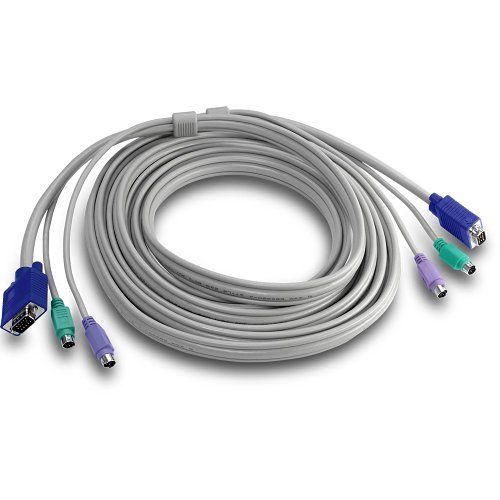
TRENDnet TK-C15 15' PS/2/VGA KVM Cable
Sale price£21.60
Pre-Order (Not in Stock)
- Estimated Lead Time: 2-6 Weeks.
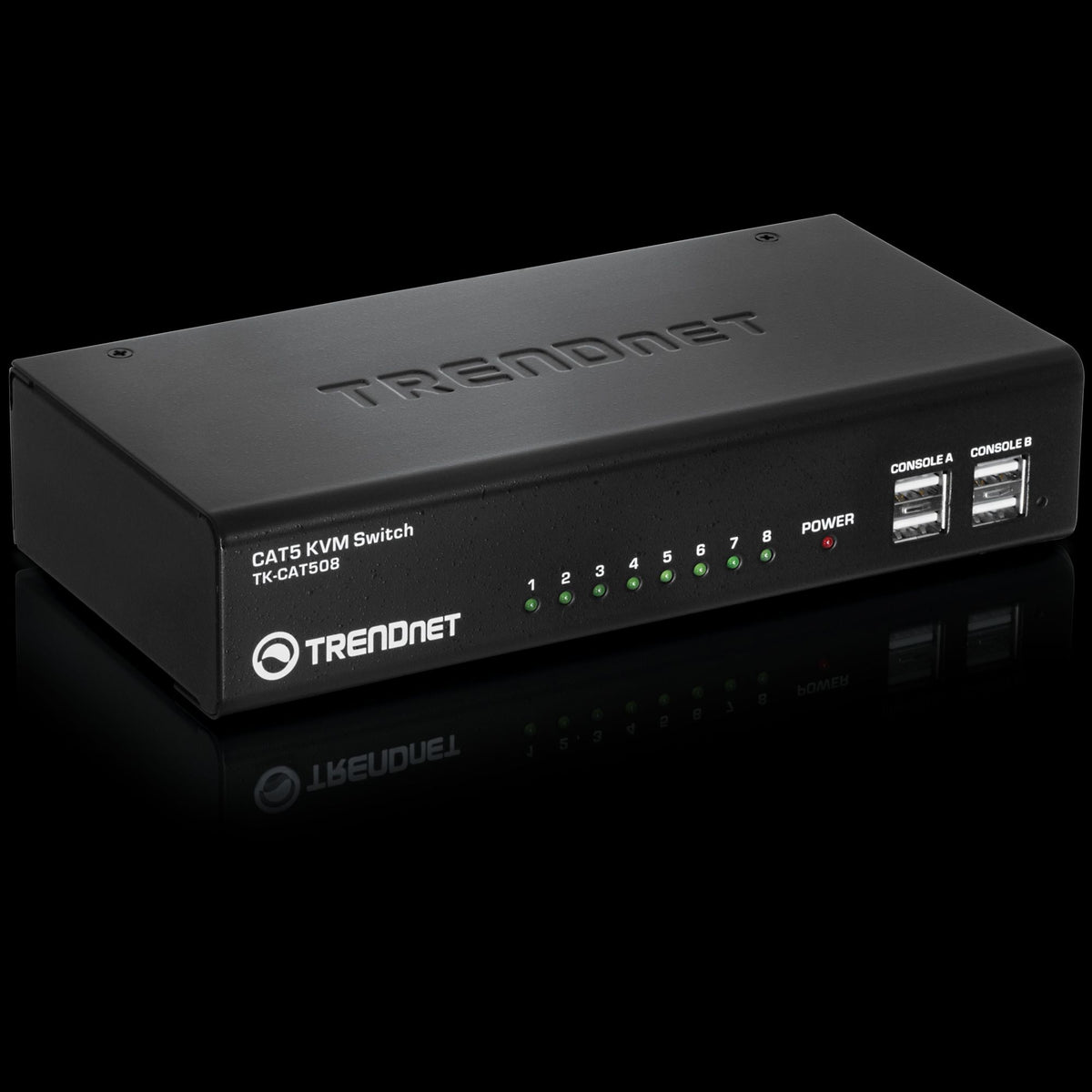
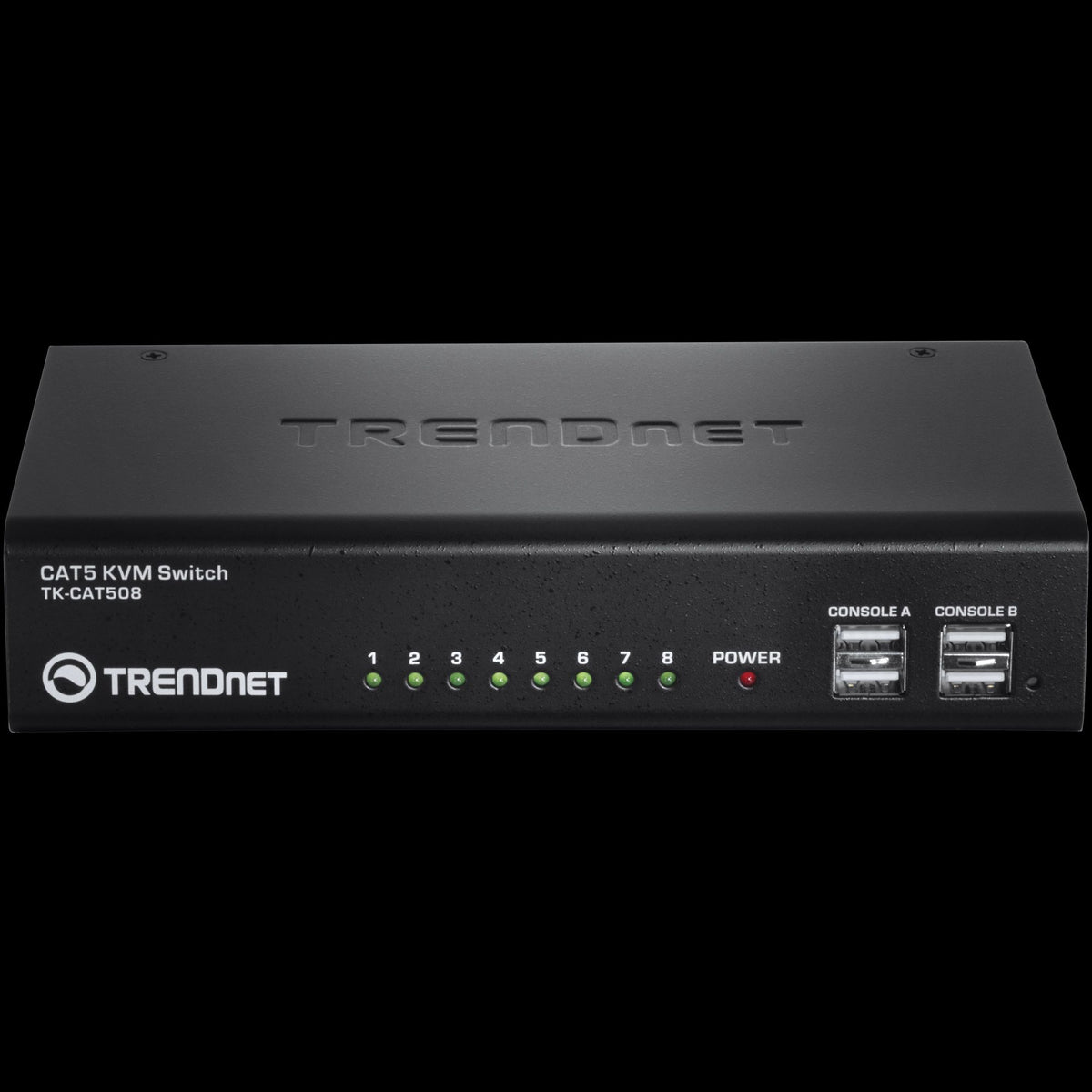
TRENDnet
TRENDnet TK-CAT508 8-Port CAT5 KVM Switch, Dual Console Support
Sale price£257.85
Pre-Order (Not in Stock)
- Estimated Lead Time: 2-6 Weeks.
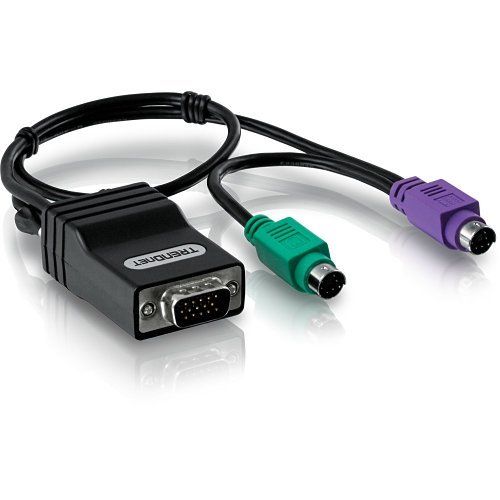
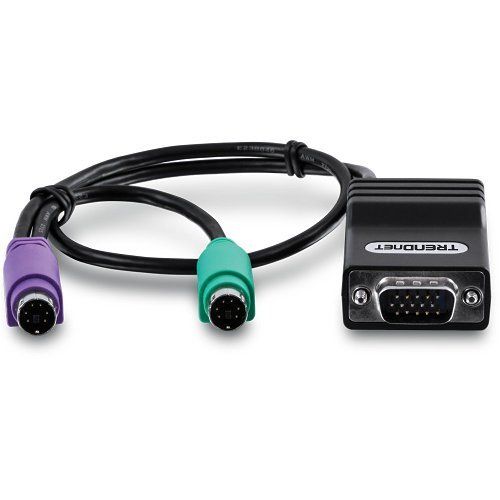
TRENDnet
TRENDnet TK-CAT5P CAT5 PS/2 Server Interface Module
Sale price£31.55
Pre-Order (Not in Stock)
- Estimated Lead Time: 2-6 Weeks.
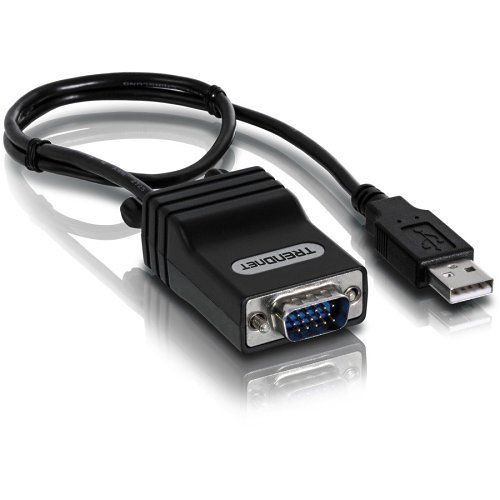
TRENDnet
TRENDnet TK-CAT5U CAT5 USB Server Interface Module
Sale price£30.90
Pre-Order (Not in Stock)
- Estimated Lead Time: 2-6 Weeks.
Product details
4-Port Dual Monitor DisplayPort KVM Switch allows control of 4-computers with one set of console controls, supporting 4K UHD resolutions and featuring a USB 2.0 hub.
Main Features
- Dual Monitor DisplayPort 1.2 KVM
- Supports 4K UHD resolutions up to 3840 x 2160 at 60Hz
- 2-Port USB 2.0 hub for storage devices and printers
- 3.5mm Speaker and microphone connections
- True Transparent USB (TTU) emulation technology
- Hot Key command shortcuts
- Rugged metal enclosure
- Front panel push buttons
- No CD installation required
Specifications
| Application/Usage | Control four computers with one set of console controls; Designed for use with Dual DisplayPort systems |
|---|---|
| Compatibility | Dual DisplayPort systems; TK-CP06; TK-DP06/2; USB mouse and keyboard connections |
| Depth | 100.0mm |
| Device Supported | Computer |
| Display Resolution | 3840 x 2160 |
| Features | 2-Port USB 2.0 hub for storage devices and printers; 3.5mm speaker and microphone connections; Dual Monitor DisplayPort 1.2 KVM; Front panel push buttons; Hot Key command shortcuts; NDAA / TAA compliant; No CD installation required; Rugged metal enclosure; Supports 4K UHD resolutions up to 3840 x 2160 at 60Hz; True Transparent USB (TTU) emulation technology |
| Height | 66.0mm |
| Input Voltage | 100-240V AC |
| Limited Warranty | 2-Year |
| Material | Metal |
| Maximum Video Resolution | 3840 x 2160 |
| NDAA Compliant | Yes |
| Number of DisplayPorts | 10 |
| Number of USB Ports | 6 |
| Number of Users | 1 |
| Package Contents | Power adapter (9V DC, 2A); Quick Installation Guide; TK-440DP |
| Product Series | V2 |
| Product Type | KVM Switchbox |
| TAA Compliant | Yes |
| USB Standard | USB 2.0 |
| Weight | 1.20kg |
| Width | 254.0mm |
| Number of Computers Supported | 4 |
| Additional Information | No CD installation required; Required cabling sold separately (TK-CP06) |
| Certifications & Standards | CE; FCC |
| Dimensions | 254mm x 100mm x 66mm |
| DisplayPort | Yes |
| Keyboard | Yes |
| Pointing Device Type | Mouse |
| RoHS Compliant | Compliant |
| WEEE Compliant | Out of Scope |
Datasheet
TRENDnet TK-440DP 4-Port Dual Monitor DisplayPort 1.2 KVM Switch, 3.5mm Speaker and Microphone Connection Need the datasheet? Our team will email it to you. Request datasheet
TRENDnet TK-440DP 4-Port Dual Monitor DisplayPort 1.2 KVM Switch, 3.5mm Speaker and Microphone Connection
£358.40